Get started in minutes.
Small business. Big control.
A simple 4-step process to bring complete clarity to your stock, customers, and orders.
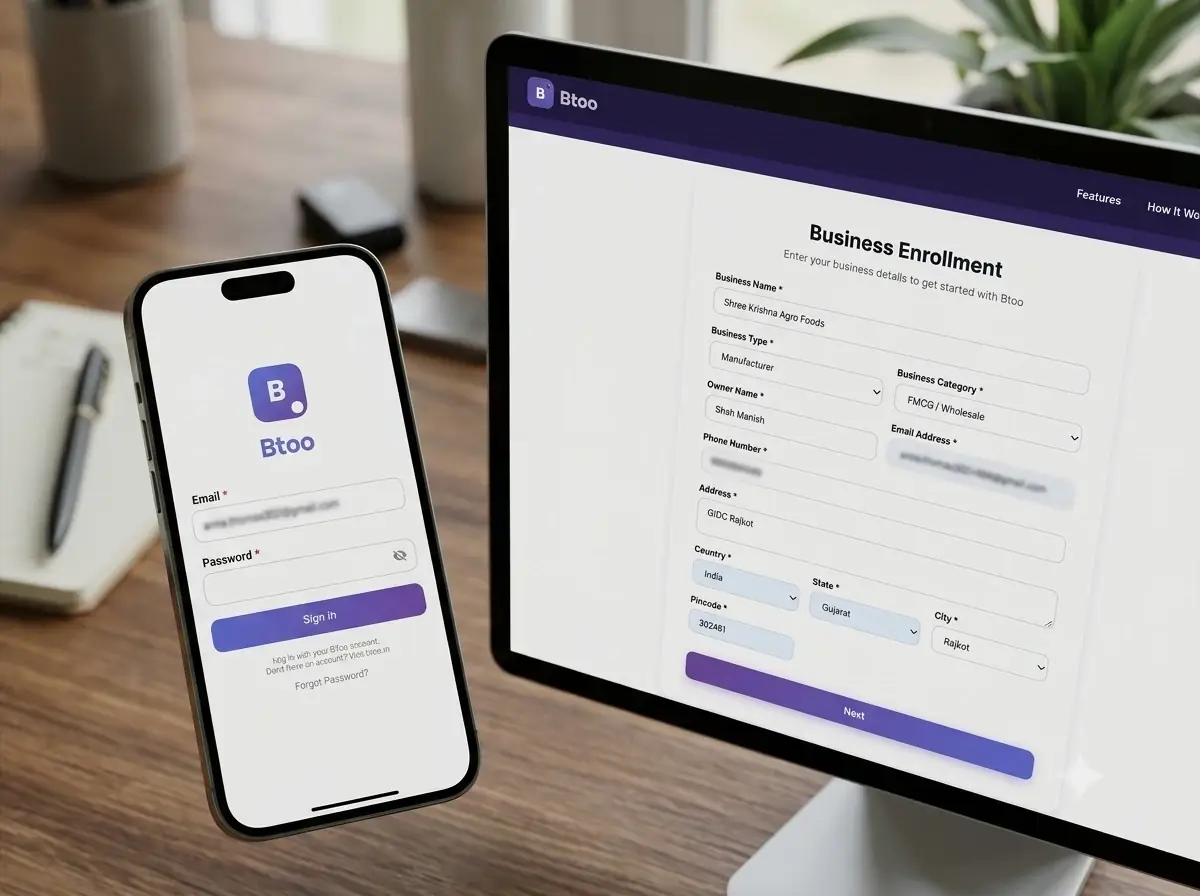
Enroll Online & Log In
Register your business online directly from our platform on the Enrollment Portal ↗ and access your workspace across web and mobile.
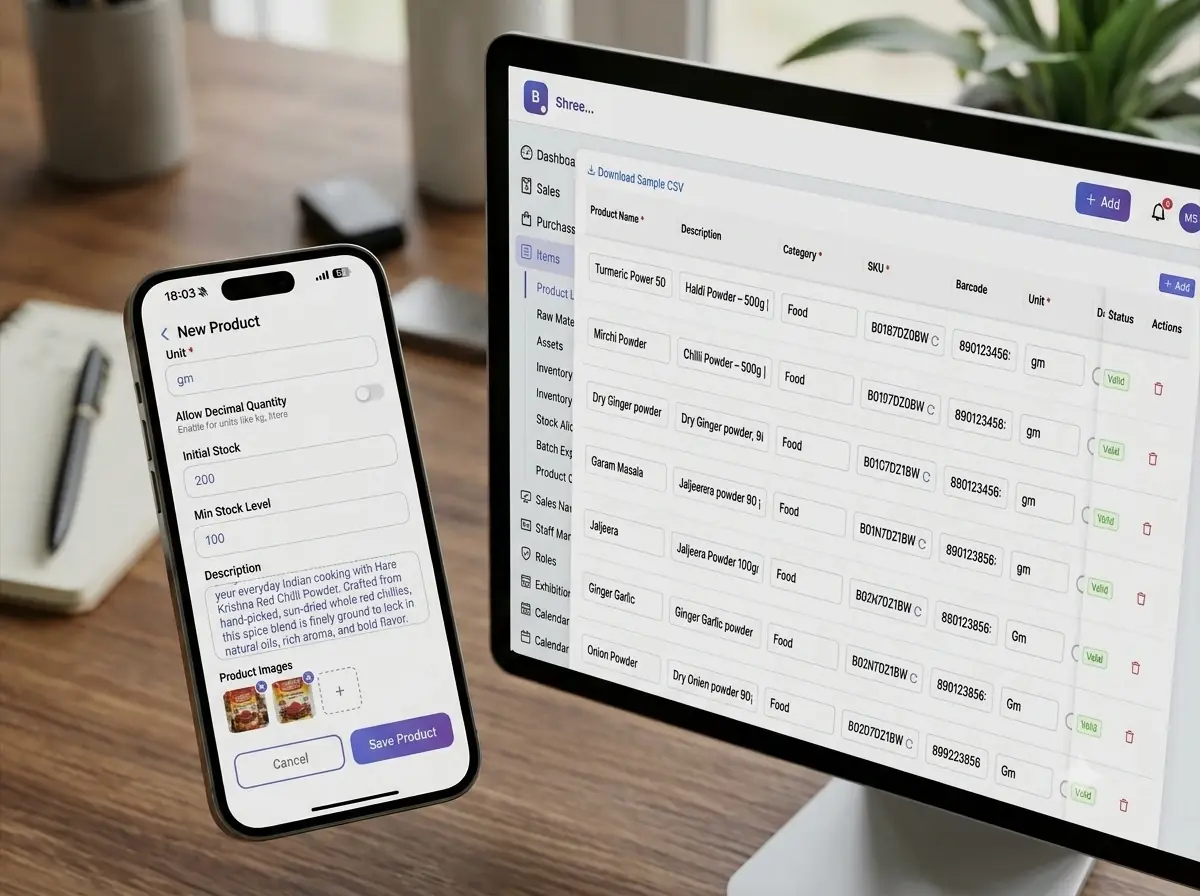
Add Your Products
Bulk upload your entire catalog in seconds, or add items manually with prices, stock levels, and photos.
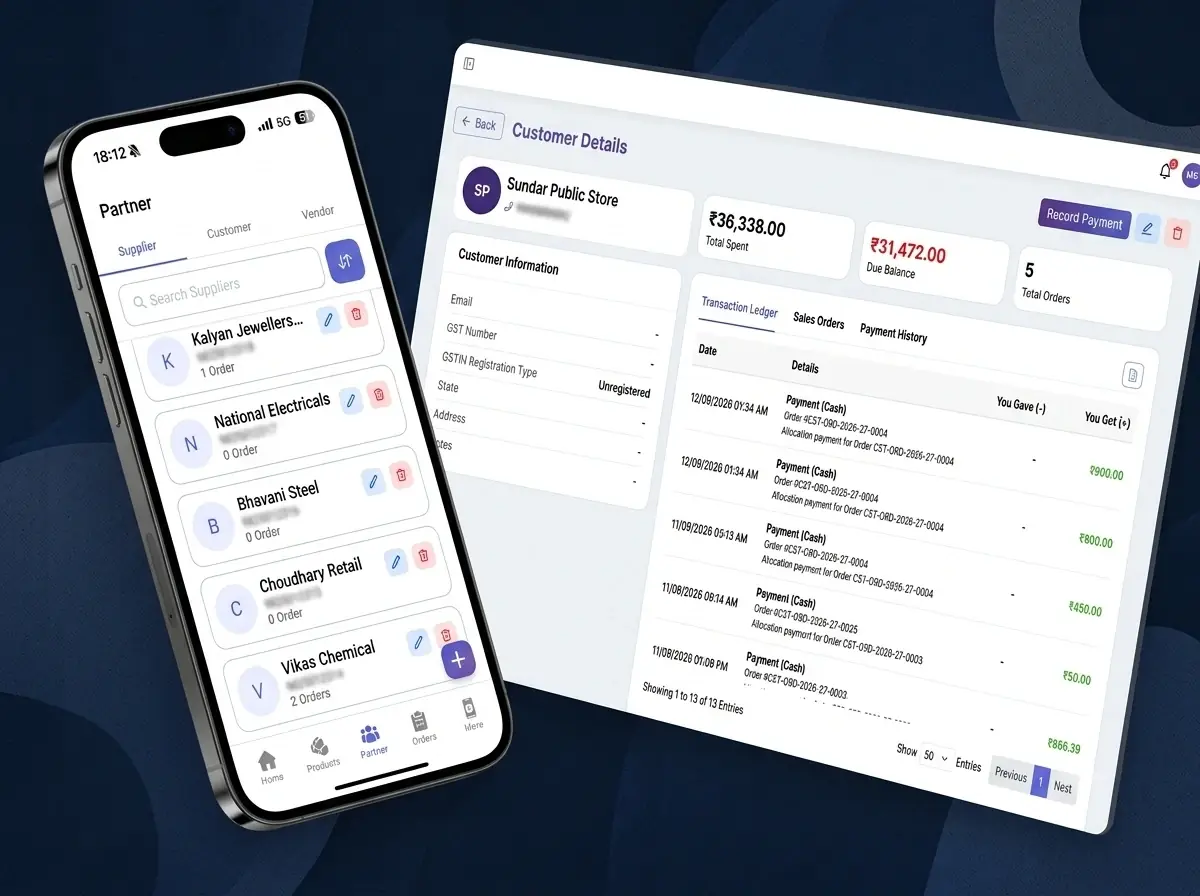
Connect Customers
Bulk upload your client list via file, pick directly from your phonebook, or add manually.
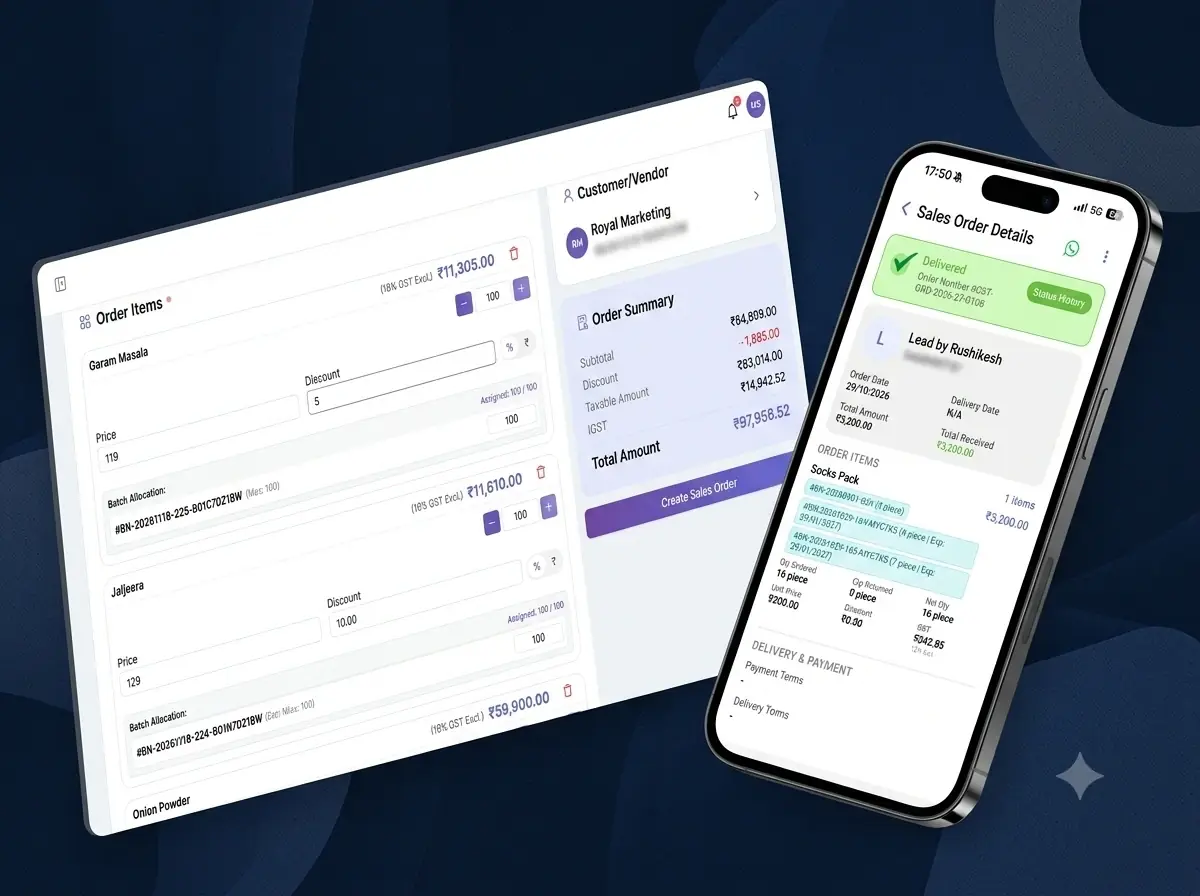
Start Managing
Create quotations, dispatch sales orders, share WhatsApp invoices, and record payments in real time.
Why Getting Started is So Easy
We removed enterprise friction so you can focus on making, stocking, and selling.
Zero Setup on Phone
No configuration needed on mobile. Once you log in with your credentials, all company settings and products sync automatically.
Ground Staff Friendly
Designed for everyday warehouse helpers, store cashiers, and sales reps. Large clean touchpoints with zero steep learning curve.
Free Onboarding Assistance
Our friendly onboarding team is always a WhatsApp message away to help import your initial stock and customer records.
Common Setup Questions
Everything you need to know about setting up your business on Btoo.
How do I create a new account for my business?
Account enrollment is completed on our website. Click 'Get Started' or 'Enroll Your Business', fill in your details, and our onboarding team will verify your account and send your Email & Password login credentials.
Can I take product photos directly with my phone camera?
Yes! The Btoo mobile app allows you to take up to 4 photos per item directly with your device camera (including an in-app crop tool) or select from your photo gallery.
Can I import my existing product and customer lists from Excel or CSV files?
Yes! Btoo supports bulk file upload for both product catalogs and customer/vendor lists via Excel or CSV on the web platform. You can also pick contacts from your phone address book on the mobile app in 1 tap.
How does the contact picker work on mobile?
When adding a customer or vendor in the app, tapping the contact icon opens your phone's address book. Selecting a contact automatically autofills their name and 10-digit phone number into the form.
Ready to organize your business?
Join growing Indian merchants and manufacturers who run their daily inventory, quotations, and orders with ease.